


Is your training actually performing? Or are you simply checking compliance boxes while your educators tune out?
If you’re an educator, instructional designer, or L&D (Learning and Development) leader, you know the pain. You’re drowning in tools—a clunky LMS for courses, Slack for chat, Google Drive for resources, and email for support. It’s a patchwork mess that creates more administrative headache than learning value.
You don’t need another platform. You need an L&D lifeline.
Introducing ZenCommunity: the modern, mobile-first social learning software built specifically for educators who want to boost knowledge sharing and engagement without the administrative burden. It’s the all-in-one engine that finally replaces your chaotic patchwork of tools with a streamlined, intuitive ecosystem where learning actually happens.
In this guide, we’ll explore the shift to social learning, the features that matter most for educators, and why forward-thinking teams are already trusting ZenCommunity to transform how they teach and train.
What is Social Learning? (And Why Your Training Depends on It)
Defining the Modern Social Learning Platform
Remember the old “sit and get” model? Learners simply absorbed the material, completed a quiz, and then retained almost nothing after three weeks.
That approach died because it doesn’t work.
Social learning platforms flip the model. They create digital environments where learners interact, share insights, ask questions, and co-create knowledge together. Learning becomes something you do with others, not something that happens to you.
Research supports this. Psychologist Albert Bandura’s social learning theory demonstrates that people learn more effectively by watching and engaging with others. When a learner observes someone similar successfully solving a problem, they think: “If they can do it, so can I.”
Social Learning Platforms vs. Traditional LMS
Let’s be clear about the distinction:
Traditional LMS platforms (like Adobe Learning Manager or MindScroll) excel at administration. They track SCORM compliance, manage enrollments, and handle reporting. But they’re often clunky, top-down, and designed for administrators, not suitable for learners.
Social learning platforms (like ZenCommunity) are built differently. They prioritize conversation, peer-to-peer interaction, and community. They’re designed for the field—for teachers sharing lesson plans, nurses swapping clinical tips, and employees learning from colleagues who’ve actually done the work.
The magic happens when you combine both. ZenCommunity gives you the administrative backbone you need while wrapping it in the social layer your learners actually want to use.
Why “Mobile-First” Matters: Built for the Flow of Work
Your educators aren’t parked at desks. They’re in classrooms, moving between meetings, or catching up during commutes. They need training that fits into their day, not the other way around.
Mobile-first design isn’t optional anymore. Industry data shows that over 60% of online learning now occurs on mobile devices, yet many traditional platforms remain desktop-centric. This gap creates friction, reduces engagement, and ultimately kills training effectiveness.
Organizations implementing responsive, mobile-first learning platforms report measurable improvements in learner engagement and course completion rates. When learning fits naturally into daily routines—like a teacher reviewing classroom management techniques during lunch—training actually sticks.
ZenCommunity removes friction by putting learning in your educators’ pockets, accessible anytime, anywhere, on any device.
Why Educators Are Abandoning the “Patchwork” Approach
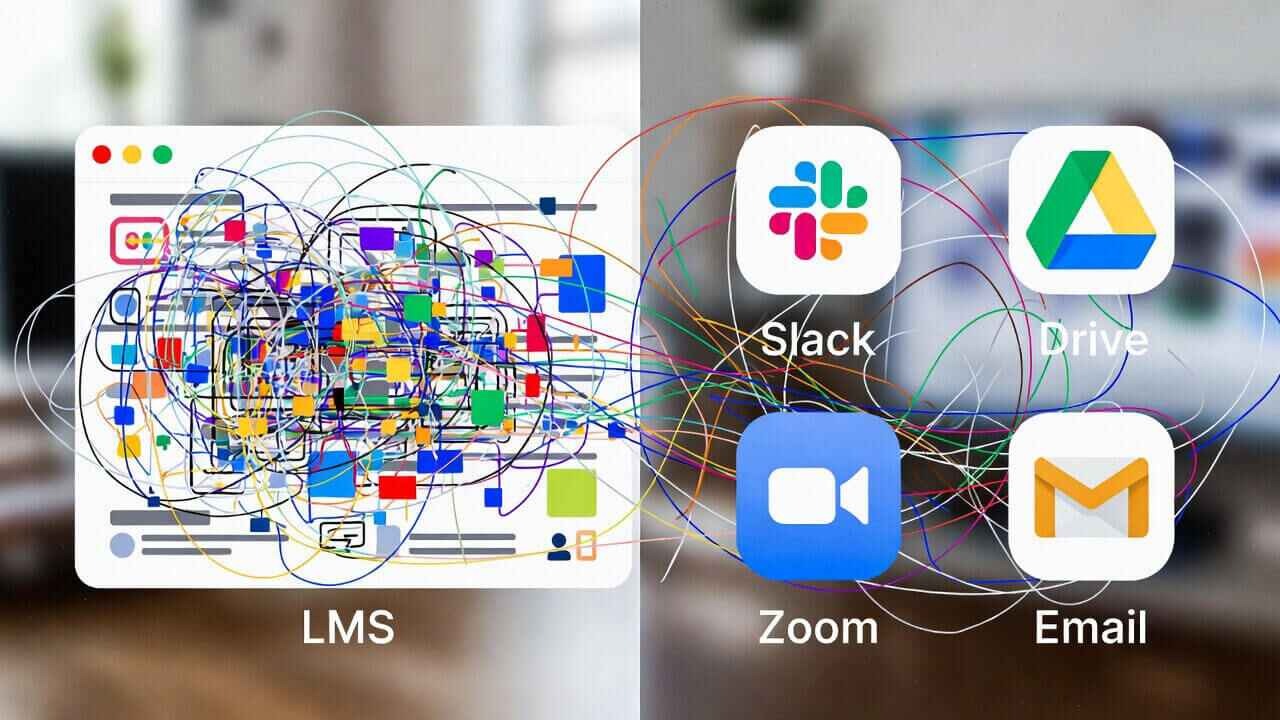
Let’s talk about the patchwork problem.
You know exactly what this looks like: an LMS for courses, Slack channels for communication, Google Drive for resources, Zoom for live sessions, and a helpdesk ticketing system for support. Your educators need five different logins just to do their jobs. Information lives in seventeen different places. And you’re the one stuck mnaging it all.
That’s what happens when a complete L&D engine doesn’t replace a patchwork of tools.
The cost of this complexity is real. When tools are hard to use, training stops. Educators get frustrated. They revert to what’s easy—which usually means ignoring your carefully designed programs and just figuring things out on their own.
ZenCommunity replaces the chaos with a single, streamlined engine. Community, courses, chat, and support—all in one place, all under your brand, all designed to work together seamlessly.
Key Features of ZenCommunity: Built for Connection
Engaging Discussion & Peer-to-Peer Interaction
The heart of social learning is peer-to-peer interaction. When educators teach each other, everyone benefits. The person asking gets answers from someone who’s been there. The person answering solidifies their own understanding through the “learning by teaching” effect.
ZenCommunity’s advanced discussion boards and peer review functionalities create natural spaces for this exchange. Questions get answered by peers, not just during monthly training sessions. Knowledge flows continuously.
Cohort-Based Learning
Research confirms what experienced educators know: cohorts work. Learners participating in cohorts experience stronger connections to both the program and their peers, promoting collaboration that enhances critical thinking and leads to richer learning experiences.
ZenCommunity lets you create intimate, goal-oriented cohorts that learn together. These groups increase accountability, boost completion rates, and create the kind of peer bonds that make learning stick.
SCORM & xAPI Compatibility
You’ve invested years building your content library. Don’t throw it away.
ZenCommunity respects the work you’ve already done. We support industry-standard SCORM tracking while also embracing modern xAPI capabilities that capture the full spectrum of learning experiences—including those informal peer interactions that traditional systems miss.
The ZenCommunity Impact: Tangible Results for Your Team
Your Team: Supercharged
When knowledge sharing becomes instant, everything accelerates. New educators get questions answered immediately by peers, not just during orientation. Best practices spread organically. Onboarding time shrinks because learning happens continuously, not just in scheduled sessions.
Your Training: Actually Performing
Higher completion rates. Better knowledge retention. These aren’t marketing claims—they’re the documented outcomes of effective social learning.
Research from actual classrooms shows that collaborative learning activities significantly improve long-term retention. Students scored over 6% higher on retention tests for material learned through group activities compared to solo learning. That’s the difference between training that’s forgotten and training that transforms practice.
Your Stress Level: Lowered
Centralized management means no more switching between ten tabs. Simplified admin workflows free you from constant firefighting, giving you time for the strategic work that actually moves the needle.
What Makes ZenCommunity Different?
The Difference You’ll Feel Immediately
Intuitive Design: ZenCommunity feels familiar because it’s built like the consumer apps your educators already use. No steep learning curve. No training is required to start training.
Enterprise-Ready, Educator-Friendly
You get robust security, SSO integration, and secure hosting—all the enterprise features you need, without the enterprise-level complexity.
Social Learning in Action: Illustrative Use Cases
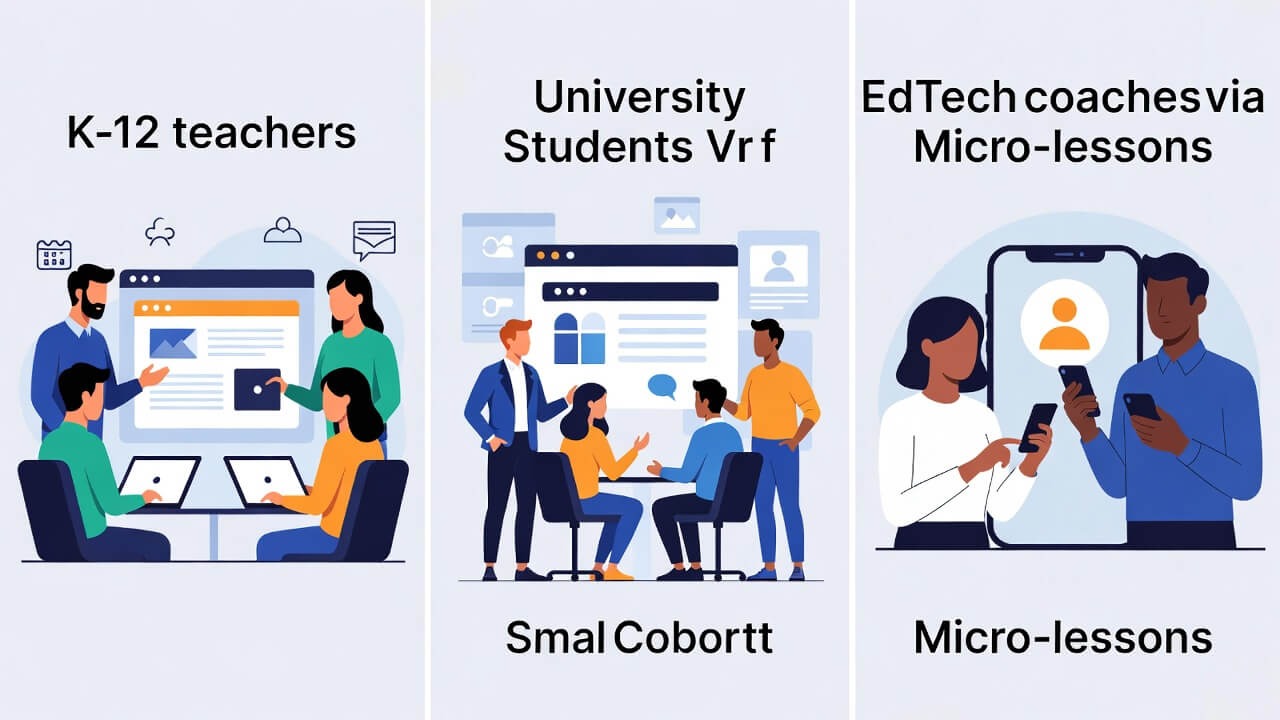
Scenario 1: The K-12 District (Community-Led Mentorship)
Imagine a school district with 500 teachers spread across multiple buildings. Traditionally, a 1st-grade teacher in School A rarely speaks to a 1st-grade teacher in School B.
By implementing a social learning hub, the district creates Private Topic-Based Groups. Now, instead of lesson plans sitting in isolated binders, they are shared in a searchable digital library.
- The Result: A “shared brain” across the district where veteran teachers provide informal mentorship to new hires through the activity feed, reducing teacher burnout and improving curriculum consistency.
Scenario 2: Higher Education (The Connected Lecture Hall)
In a large lecture hall with over 300 students, individuals often feel anonymous and overlooked. A professor can use a social platform to facilitate Cohort-Based Learning outside of class hours.
Students are automatically sorted into smaller study groups within the platform. They use Real-Time Discussion Threads to debate concepts from the morning lecture or help each other with complex problem sets.
- The Result: The “anonymous” feel of a large course is replaced by a sense of belonging. Peer accountability leads to higher course completion rates and deeper conceptual understanding through debate.
Scenario 3: EdTech Professional Development (Just-in-Time Coaching)
EdTech coaches often struggle to get teachers to attend long afternoon workshops. Instead, the coach delivers Mobile-First Micro-lessons directly to the teachers’ phones via the social feed.
When a teacher has a 5-minute break, they watch a quick tip on using a new classroom tool. If they have a question, they post it immediately in the Live Community FAQ.
- The Result: Training becomes “snackable” and happens in the flow of work. Coaches can see which posts get the most engagement, allowing them to provide targeted support where it’s needed most.
How to Choose the Right Social Learning Platform (A Checklist)
When evaluating platforms, ask these questions:
- Mobile Experience: Is it truly mobile-first, or just a desktop site that shrinks to fit a phone screen?
- Community vs. Courses: Does it balance social interaction (forums, groups, chat) with structured content (courses, quizzes, assessments)?
- Ease of Use: Is it simplified for admins, or does every task require technical support?
- Integrations: Does it work with your existing tools (LMS platforms)?
- Support: Is there a dedicated onboarding and support team that understands education?
ZenCommunity checks every box.
Frequently Asked Questions (FAQs) About Social Learning Software
What is the difference between a social learning platform and a forum?
Forums are just for talking. Social learning platforms integrate structured courses, assessments, and gamification with discussion. A forum is a message board; a social learning platform is a complete learning environment.
Is ZenCommunity suitable for large universities or just small schools?
ZenCommunity scales effortlessly. We’re built for institutions with 100 users or 10,000. Enterprise-ready infrastructure meets personal, intuitive experience at any size.
How does social learning improve course completion rates?
Peer accountability and support make the difference. When learners feel part of a community, they’re far less likely to drop out when the material gets challenging. They have colleagues to ask, peers to encourage them, and a sense of belonging that solo learning can’t provide.
What’s the difference between ZenCommunity and platforms like Udemy or Coursera?
Udemy and Coursera are content marketplaces—they provide courses to your people. ZenCommunity is your own social learning ecosystem, where your educators create, share, and learn together under your brand, with your content, on your terms.
Ready to Fix Training for Good?
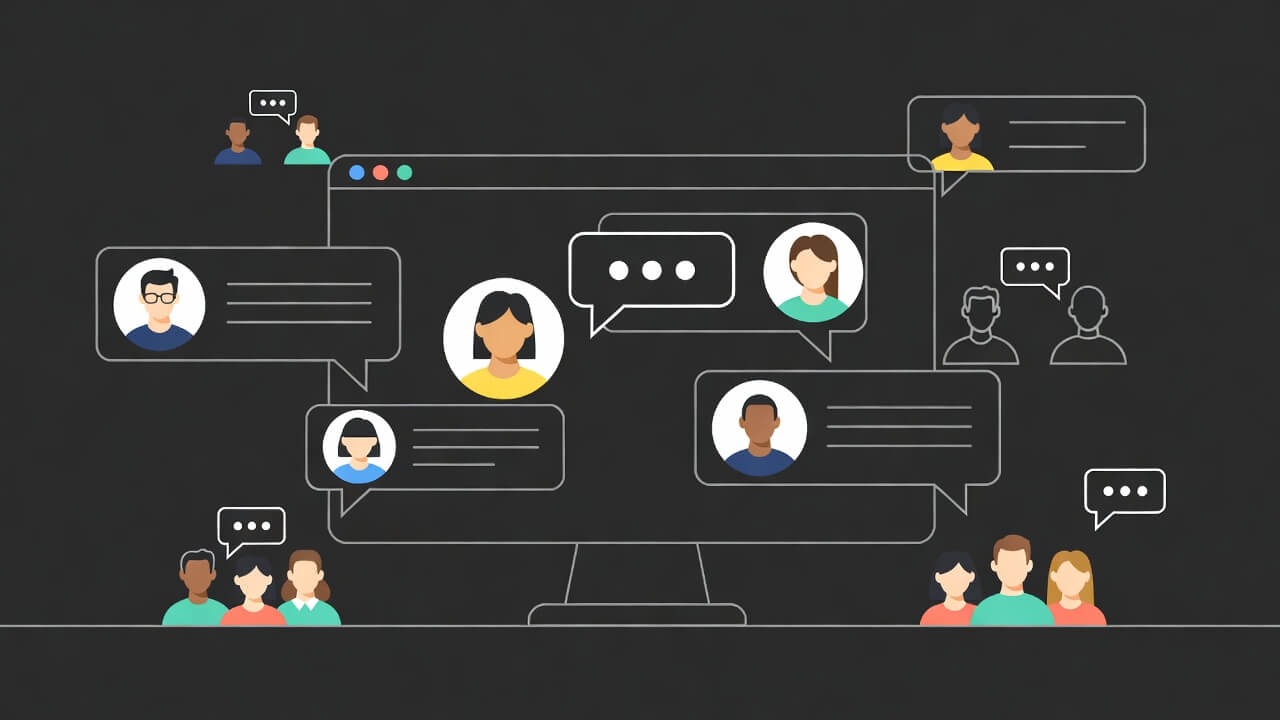
The shift is clear. Static content delivery is dying. Dynamic, community-driven learning is the future. Your educators are ready for it. Your institution needs it.
ZenCommunity delivers lower stress for administrators and supercharged performance for educators—all in one mobile-first, intuitively designed platform.
Schedule a demo today. See what a modern, social learning experience can do for your educators. Make personalized, connected learning the new normal—not just another checkbox.