


By building a self-hosted community with WordPress, businesses, content creators, educators, and institutions can now create their own private social networks without relying on third-party platforms.
Unlike conventional social media sites, a self-hosted WordPress community gives you full ownership, complete control over your data and users, and the freedom to customize and monetize on your own terms.
In this guide, we’ll explore the features, benefits, and essential tools for WordPress, and walk you through the steps to build a thriving online community from the ground up.
What is a Self-Hosted WordPress Community Platform

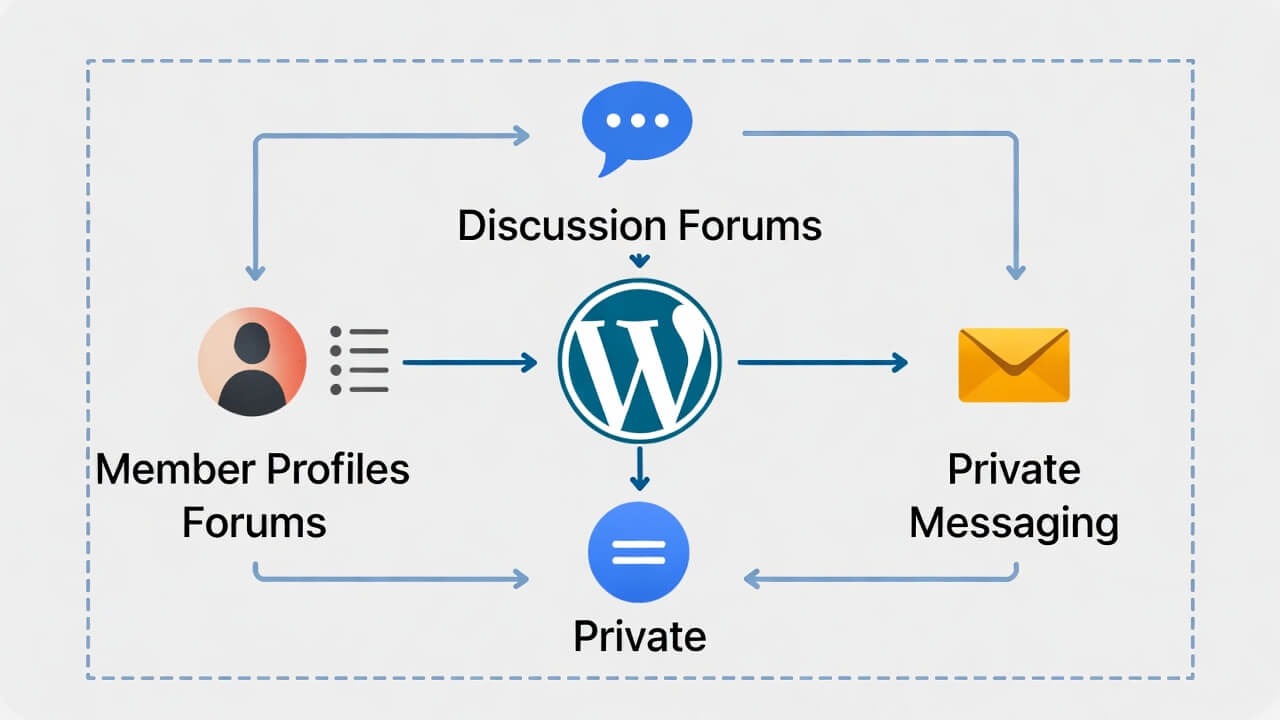
A self-hosted WordPress community site is a website hosted on your own server where members can interact through features like profiles, discussions, messaging, and content sharing.
Instead of relying on third-party social platforms—such as Facebook Groups or SaaS-based community tools like Mighty Networks or Circle—WordPress gives you the ability to build and manage your own fully customizable social community platform.
Key Characteristics
- Full ownership of the platform – You own all the features of your community.
- Personalized design and features – No template restrictions.
- Independent hosting – Select your own hosting company and server setup.
- Flexible integrations – Hook into thousands of WordPress integrations.
- Infinite capacity – Support dozens or hundreds of thousands of members.
The Difference Between WordPress.com and Self-Hosted WordPress
|
Feature |
Self-Hosted WordPress |
WordPress.com |
|
Hosting |
Self-managed hosting |
Hosted by WordPress |
|
Customization |
Full control |
Limited to available themes |
|
Plugins |
Unlimited access to 50,000+ plugins |
Restricted; only available on business plans |
|
Monetization |
Fully customizable with any payment method |
Limited options with revenue sharing |
|
Control |
Complete ownership of data and content |
Platform restrictions apply |
|
Cost |
Hosting + optional premium plugins |
Free to enterprise-level pricing |
Understanding the difference between these two options is essential when creating a community platform. Self-hosted WordPress is typically preferred for community websites, membership platforms, and social networks because it offers the freedom and flexibility these projects require.
The Reason to Build a Self-Hosted Community Platform
Strategies of Mainstream Social Media
Most communities today rely on platforms like Facebook Groups, LinkedIn Groups, or Discord. However, these platforms come with several limitations:
- Algorithm changes can prevent your content from reaching your own members.
- Data ownership concerns mean you don’t have complete control over your relationships with members.
- Limited customization can restrict how your brand is presented.
- Monetization options are often restricted, and platforms may take a share of your revenue.
- Privacy concerns arise because member data is stored on third-party servers.
By building your own community platform based on WordPress, you get to bypass these restrictions and be back in control.
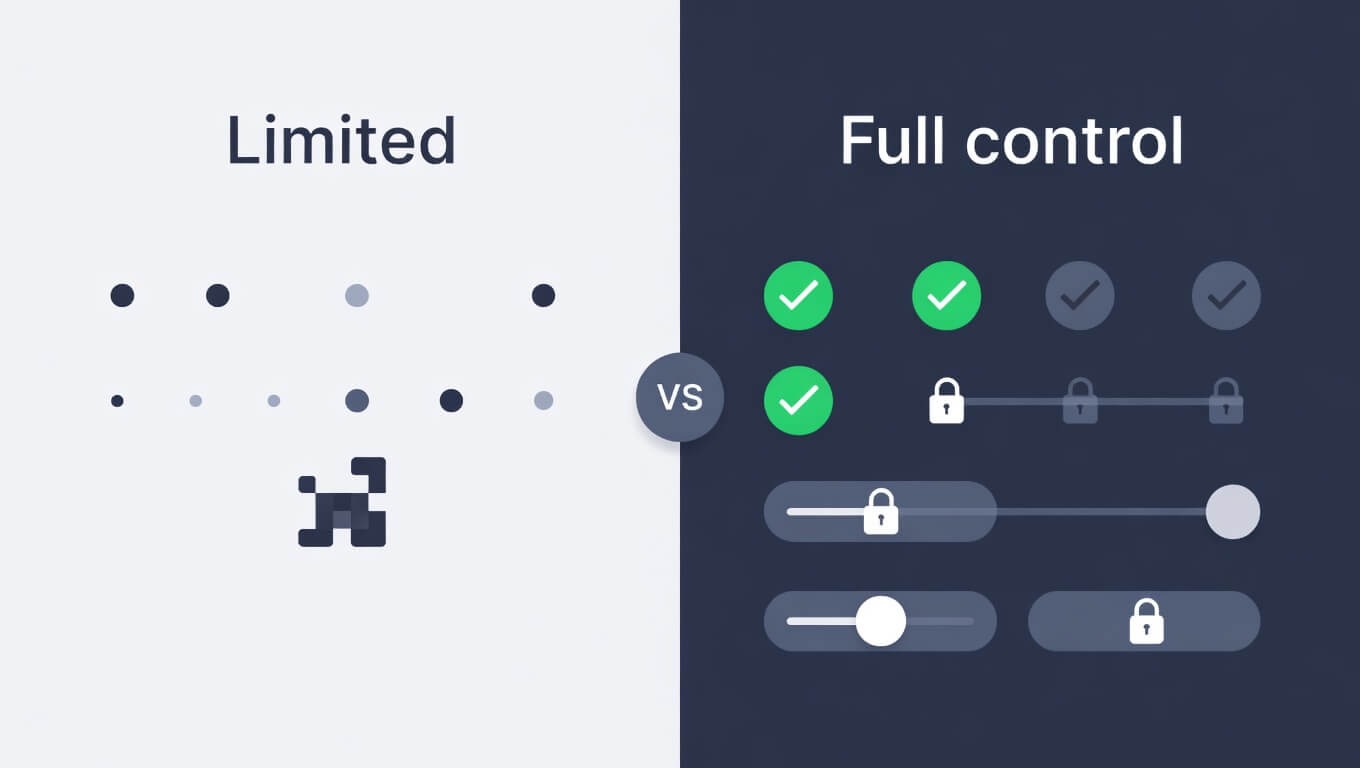
Your Platform, Your Control
Self-hosting allows you to have control over:
- Personal information – All the posts, messages, and profiles are yours.
- Content moderation – You make the rules and apply them.
- Community policies – The policy does not include changes relating to the unexpected platform.
- Platform monetization – All your revenue is retained.
Strikingly Fast & Smooth
WordPress hosting can be optimized and provide:
- Quick-loading communities that keep the members constantly active.
- Fluid user experiences with no lags or delays.
- Thousands of simultaneous members, scalable performance.
- Member experiences via mobile optimization on any device.
Top-Notch User Experience
An effective community platform will offer:
- Contemporary interface compelling competition to mainstream social media.
- Navigation is simple, helping members quickly find what they need.
- On-the-go mobile responsiveness to the community.
- Member interaction that leads to retention.
Extreme Flexibility and personalization
WordPress can be customized to an unlimited degree by:
- Plugins – Add any feature you can think of.
- Themes – Change your design completely.
- APIs – Connect with external services.
- Custom development – Build exactly what you need.
Unmatched Privacz & Security
In a self-hosted platform, you are in charge of:
- Privacy settings – Control how data is shared and managed.
- Data protection of users – Adopt GDPR and CCPA regulations.
- Security settings – Choose and manage the protection measures for your site.
- Community moderation – Secure members against spam and abuse.
Create. Engage. Scale
An effective community platform must be able to sustain three main activities:
- Creation of content – Members can share updates, ask questions, and post their ideas.
- Member activity – Functionalities that promote communicating and socializing.
- Community growth – Resources to draw and keep members.
WordPress allows you to grow your community from a few members to thousands of active users without needing to switch platforms.
Strict Community Characteristics You Require
The following features are essential for a modern WordPress community platform:
- User Profiles – Members can create personalized profiles.
- Discussion Threads – Forums and discussion boards let members interact.
- Messaging – Members can send direct messages or private chats.
- Here’s a simpler version of that line:
- Content Sharing – Members can easily share posts, images, videos, and other content.
- Search Functionality – A powerful search helps users quickly find what they need.
- Here’s a clear version of that line:
- Notifications – Members receive alerts to stay informed about important activity.
- Member Directories – Directories help members find groups, experts, new contacts, and opportunities.
- Engagement Tools – Features like likes, reactions, comments, replies, and surveys increase interaction.
- Dark / Light Mode – Users can switch between dark mode (reduces eye strain) and light mode (daytime view).
The benefit of this type of personalization enhances user experience and retention.
Best WordPress Self-hosted Community Plugins
Several powerful plugins can turn WordPress into a robust community platform. The features and growth of your community will depend on the plugins you choose.
Alternative 1: The New Innovator – ZenCommunity
Overview
Here’s a simpler version of that sentence:
ZenCommunity is a modern community platform built for speed and simplicity, offering a clean, clutter-free experience. It removes unnecessary features from older platforms and focuses on genuine connections and easy communication.
Key Features
- Minimalist Design Philosophy – A sleek, hi-tech interface with member conversations being placed first.
- Flow State-notification Flow – Intelligent notification systems that minimize noise and allow members to concentrate on meaningful discussions.
- In-app Meditation Resources – Original features, such as a Focus Mode to have discussions and an option to schedule a digest to avoid community burnout.
- Blazing Quickness Performance – Built on up-to-date codebases that guarantee that your community loads immediately, including on mobile platforms.
Best usability: Creators, coaches, and modern brands who desire to provide a beautiful, fast, and distraction-free environment to their community.
Alternative 2: The One Stop Shopper – BuddyBoss Platform
Overview
BuddyBoss Platform is a premium WordPress solution designed to help you build a complete social network and online learning platform on your website.
Key Features
- Integrated Social Networking Features – Profile, feeds, messaging, and groups.
- Native Mobile Apps – Gives you a service to introduce branded iOS and Android apps to your community.
- Deep LMS Integration – Compatible with LearnDash, LifterLMS, and Tutor LMS.
- Advanced Monetization Tools – Supports memberships, subscriptions, and the selling of digital products.
- Modern Interface – A sleek interface that is set to compete with major social media applications.
Best: Businesses, teachers, and creators that desire a high-quality, feature-rich community platform.
Alternative 3: The Contemporary, Adaptable Performer – FluentCommunity
Overview
FluentCommunity is the newest WordPress community plug-in centered on performance, simplicity, and integration with the Fluent ecosystem.
Key Features
- Inbuilt Course Creation Tools
- Spaces for Organized Discussions
- Strong Integration with Fluent Tools
- Changeable Monetization Plans
- High-Performance Architecture
Best used by: Course creators, membership sites, and WordPress users using the Fluent ecosystem.
Alternative 4: The Open-Source Traditional – BuddyPress and bbPress
Overview
BuddyPress and bbPress are two of the oldest open-source community plugins available for WordPress.
Key Features
- User Profiles and Activity Feeds
- Community Groups
- Lightweight Discussion Forums
- Large Developer Ecosystem
- Open-Source Flexibility
Best in: Developers, cost-effective projects, and communities requiring a versatile open-source solution.
Alternative 5: MooSocial Niche Social Network Builder
Overview
mooSocial is a standalone community tool designed to build specialized niche social networks.
Key Features
- Full Social Networking System
- Media Sharing Tools
- Included Monetization
- Templated Themes and Layouts
- Scalable Architecture
Best for: Businesses and developers building specialized niche communities.
The Things You Need to Get Started
1. Web Hosting
Choose hosting with:
- Fast servers and SSD storage
- WordPress optimization
- Security features
- Scalability options
- Reliable support
2. Domain Name
Choose a domain that is:
- Memorable
- Brandable
- Relevant to your niche
- Easy to spell
3. Time & Basic Tech Skills
You’ll need:
- Simple knowledge of site management
- Skills in Plugin configuration
- Devotion to content moderation
How to create a WordPress Community in a Step-by-Step
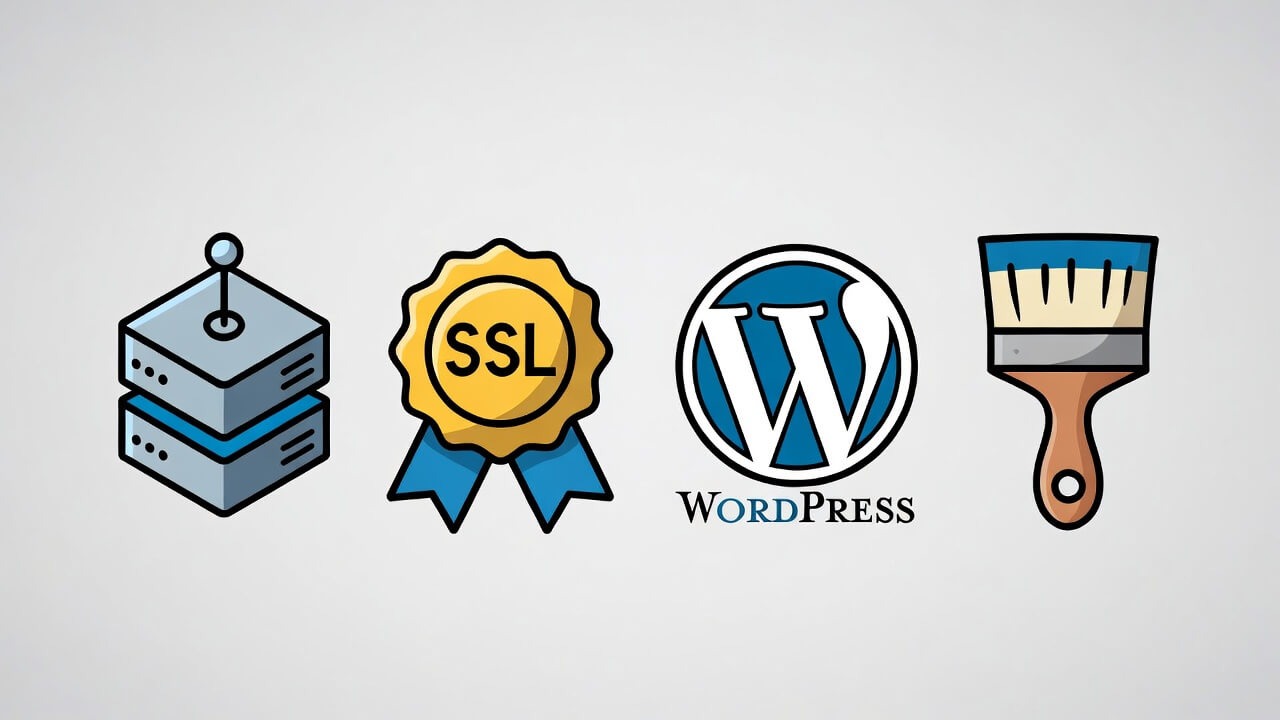
- Purchase a Hosting Plan and Domain Name.
- Install an SSL Certificate.
- Install WordPress.
- Set up Your Community Platform.
- Core Community Feature Configurations.
- Design Your Community.
Beyond the Basics: Supercharging your Community
Engagement
Increase activity with:
- Badges and points
- Featured members
- Community achievements
Monetization Strategies
Paid Memberships
Use plugins like:
- Paid Memberships Pro
- MemberPress
Online Courses
Create courses using:
- Academy LMS
- LearnDash
Digital Products
Sell through WooCommerce.
WordPress Community Platforms Use Cases
Self-hosted communities are successful with:
- Educational learning communities
- Brands customer communities
- Faith organizations
- Clubs & associations
- Coaching groups
- Professional networks
- Communities of language learning
Post-Installation Tasks
- Setting Up the Site
- Securing the Site
- Maintaining the Site
Advantages and Disadvantages of Self-Hosted WordPress Community
Pros
- Full control of the platform
- Unlimited customization
- Ownership of user data
- Flexible monetization
- Scalable infrastructure
Cons
- Requires maintenance
- Hosting costs
- Learning curve
- Security responsibility
The Frequently Ask ed Questions of Self-Hosted WordPress Community Sites
Can WordPress be self-hosted?
Yes. WordPress is an open-source software that can be deployed on any server.
What is the difference between WordPress.com and WordPress self-hosted?
Self-hosted WordPress gives you full control and flexibility, while WordPress.com has platform limitations.
Can I host WordPress for free?
Free hosting exists, but it’s not recommended for community sites.
Do I need coding skills?
No. Modern community plugins can be set up using visual tools.
Will WordPress be useful in creating a social network?
Yes. You can create a social network using plugins like ZenCommunity, FluentCommunity, and BuddyPress.
How much does it cost?
Typical costs include:
- Domain: ~$15/year
- Hosting: ~$20–$100/month
- Optional premium plugins
What platform is the best one to use?
- ZenCommunity – Minimalist community in a modern way.
- BuddyBoss – Ultimate all-inclusive ecosystem.
- FluentCommunity – Fast and streamlined.
- BuddyPress – Free open-source version.
Final Thoughts
Creating a self-hosted community platform with WordPress is one of the best ways to build a thriving online ecosystem that you truly own.
With full ownership, powerful customization options, and scalable architecture, WordPress enables creators and businesses to build communities that grow without limitations.
Whether you want to launch a membership site, learning platform, professional network, or private social network, WordPress provides the tools needed to turn your vision into reality.
The shift from building on rented land to owning your digital home is not just technical—it’s strategic. Your community deserves a foundation that supports its long-term value, not one that erodes it through hidden costs and lack of control.
Ready to get started? Choose the platform that aligns with your vision, secure your hosting, and begin building the community you’ve always wanted—one that you truly own.