



Customer expectations online have shifted quite a bit over the past few years. Waiting half a day for an email reply—something that once seemed normal—now feels slow. Sometimes frustratingly so. Most visitors arrive at a website with a simple goal: find an answer quickly and move on.
If that answer isn’t easy to locate, many simply leave.
This shift in behavior helps explain why live chat tools have become increasingly common across modern websites. An online store, a SaaS dashboard, a membership platform, even a small service site—each of these may benefit from offering a direct, real-time communication channel. When implemented thoughtfully, live chat appears to reduce friction in the customer journey. People ask questions. Businesses respond. Decisions happen faster.
The difficulty, however, lies in choosing the right tool.
WordPress users now face a crowded ecosystem of chat plugins. Some add nothing more than a floating message box. Others promise expansive functionality but rely on multiple external services, paid tiers, or complicated integrations before they become genuinely useful.
This article takes a closer look at several WordPress live chat plugins that appear particularly relevant heading into 2026. Rather than simply listing options, the focus here is on tools that address real communication challenges businesses encounter every day.
Quick Comparison: Best WordPress Live Chat Plugins for 2026
A side-by-side comparison of top live chat solutions for WordPress — covering type, best use case, key features, and each plugin’s standout factor.
|
Plugin |
Type |
Best For |
Key Features |
Standout Factor |
|
ZenCommunity |
Chat + Community + Tickets |
SaaS, Membership & Learning Sites |
Live chat, community forums, support tickets, activity feeds, WebSocket real-time messaging |
All-in-one: chat, community & support in a single plugin |
|
ThriveDesk |
AI Helpdesk + Live Chat |
WordPress & WooCommerce Businesses, SMBs |
AI live chat, shared inbox (email + chat), AI chatbot trained on your own data, WooCommerce order sync |
Live chat backed by a full helpdesk |
|
Tidio |
Live Chat + Chatbot |
Ecommerce & High-Volume Sites |
AI chatbot, automation workflows, Messenger & Instagram integration, pre-built templates |
Best automation for handling repetitive inquiries at scale |
|
LiveChat |
Enterprise Support |
Large Support Teams |
Real-time visitor monitoring, detailed analytics, agent routing, CRM integrations, custom chat UI |
Best-in-class analytics and reporting dashboards |
|
HubSpot Live Chat |
CRM-Integrated Chat |
HubSpot Users & Lead Generation |
Free widget, native CRM sync, chatbot automation, lead capture forms, marketing workflows |
Seamless CRM integration for sales & marketing teams |
|
JivoChat |
Multi-Channel Messaging |
Multi-Platform Businesses |
Unified inbox, social messaging, phone & email support, visitor behavior tracking, mobile apps |
Consolidates all communication channels in one dashboard |
|
Chaport |
Lightweight Live Chat |
Small Teams & Startups |
Quick setup, chat automation, agent collaboration, customizable widget, desktop & mobile apps |
Simplest setup — minimal configuration needed |
Why Live Chat Matters for WordPress Websites
Before discussing specific plugins, it helps to pause briefly and consider why live chat has gained so much attention in the first place. The answer is not purely technological. It is behavioral.
Website visitors now expect immediate interaction.
Faster Support When It Matters
A visitor browsing a pricing page might have one question standing between curiosity and purchase. If that question requires opening a support ticket or waiting for an email reply, the opportunity often disappears. Live chat, by contrast, allows businesses to respond within seconds. That immediacy alone may keep someone engaged long enough to make a decision.
Potential Impact on Conversion
Some ecommerce teams report noticeable improvements in conversion rates after implementing live chat. The reasoning seems straightforward. Uncertainty during checkout—or while comparing products—can discourage buyers. Quick clarification reduces that hesitation.
A More Human Interaction
There is also a subtle psychological element at play. Live chat introduces a sense of presence. Instead of interacting solely with pages and forms, visitors feel they are speaking with a person. Even brief exchanges can shape how trustworthy a company appears.
A Window Into Customer Behavior
Chat conversations often reveal patterns businesses might otherwise miss. Repeated questions about pricing, onboarding, or product limitations can highlight gaps in documentation or usability issues within the product itself.
Taken together, these factors explain why live chat has gradually moved from “nice to have” toward something closer to a standard feature for many professional websites.
What to Look for in a WordPress Live Chat Plugin
Of course, not every chat plugin solves the same problem. Some focus purely on messaging. Others extend into automation, analytics, or broader customer support workflows.
When evaluating options, several factors deserve attention.
Real-Time Communication
At the most basic level, messages should appear instantly. Delays or page refreshes can interrupt the flow of conversation and reduce the sense of immediacy.
Automation and Chatbots
Automated responses may help handle repetitive questions—shipping times, account access, refund policies. Used carefully, automation can reduce the workload for support teams without removing the human element entirely.
Visitor Context
Knowing which page a visitor is viewing—or what they searched for—can help support agents respond more effectively.
Mobile Accessibility
Support teams rarely sit behind a desk all day. Plugins that include mobile apps or responsive dashboards allow conversations to continue regardless of location.
Analytics
Conversation data can provide insight into recurring issues, peak support hours, and common customer concerns.
Integrations
Many businesses rely on CRM platforms, email tools, or ecommerce systems. A chat plugin that connects with these services may reduce manual work.
Interestingly, a small but growing number of tools have begun combining live chat with broader communication features—community discussions or structured support tickets, for instance. This trend suggests that businesses increasingly prefer unified systems rather than scattered plugins.
Best WordPress Live Chat Plugins for 2026
With those considerations in mind, the following plugins appear worth examining for WordPress websites this year.
1. ZenCommunity – An Integrated Chat, Community, and Support System
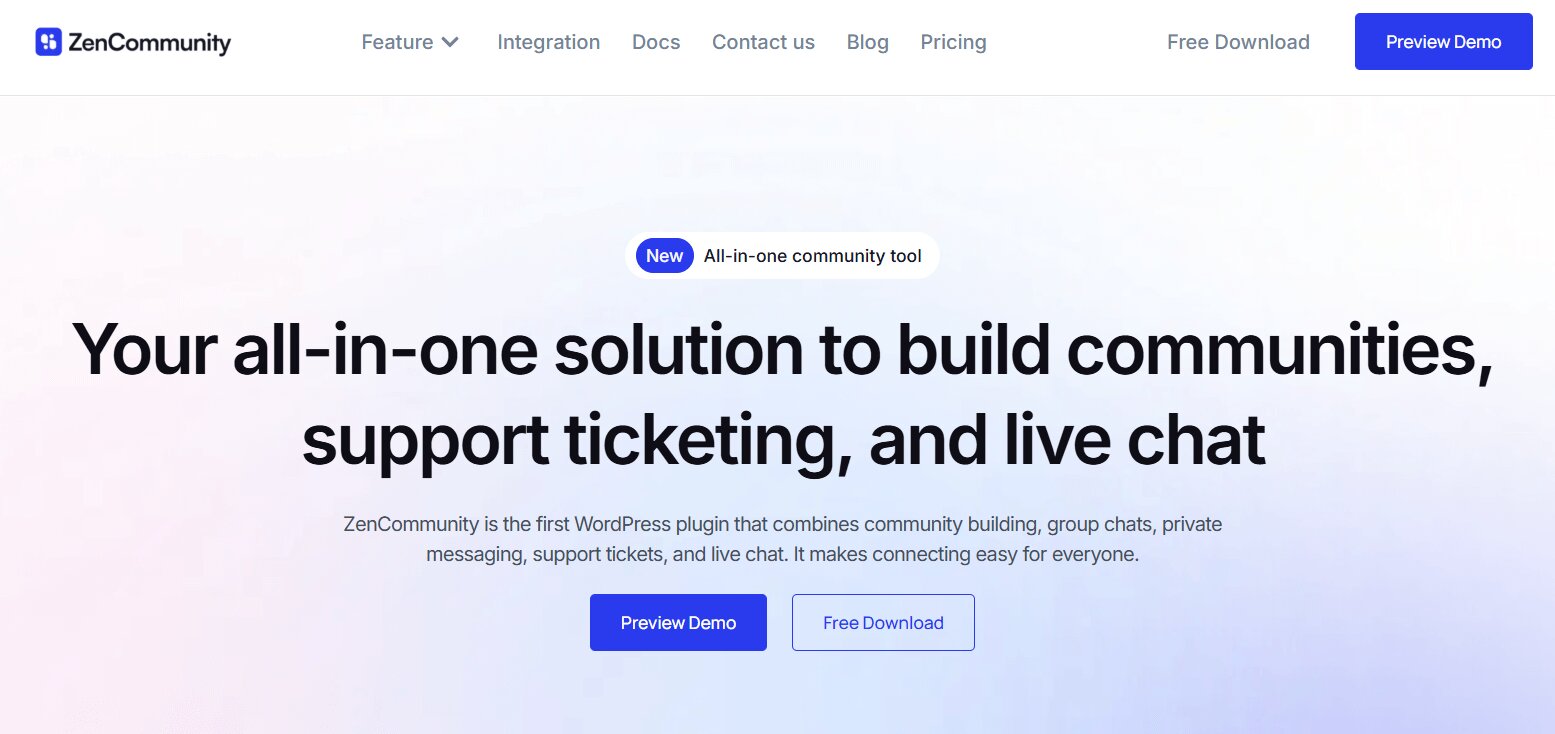
Most live chat plugins approach communication from a narrow perspective: a message box and a support agent. That approach works well in some situations. Yet many websites eventually require something more layered.
Users ask questions. They discuss features. They report problems. Sometimes those conversations belong in public discussions rather than private chat windows.
ZenCommunity appears to recognize this broader communication pattern.
Instead of focusing solely on messaging, the plugin combines three distinct systems within WordPress itself: live chat, community interaction, and a support ticket workflow. The intention, it seems, is to reduce the need for separate plugins that handle each function independently.
For teams managing active user bases, that consolidation may simplify daily operations.
Where ZenCommunity Differs
Consider the typical setup many WordPress sites adopt.
One plugin manages chat conversations.
Another handles customer support tickets.
A third powers community discussions or forums.
Each tool works in isolation. Each requires configuration, updates, and maintenance.
ZenCommunity attempts to merge these responsibilities into a single environment. Whether that approach suits every website is open to debate, but for communities and SaaS products it may reduce unnecessary complexity.
Key Capabilities
Real-Time Messaging
The plugin relies on WebSocket communication, meaning messages and notifications appear immediately rather than waiting for periodic page refreshes. This small technical detail can make conversations feel noticeably more fluid.
Community Interaction
Users can participate in discussions, join groups, and share updates through activity feeds. Over time, such features may encourage peer-to-peer support, reducing the pressure on formal support channels.
Support Ticket Workflow
When questions evolve into issues that require structured tracking, they can move into a ticket system. This helps support teams maintain organized conversations without losing context.
Live Chat Widget
Visitors arriving on a website can initiate conversations through a familiar chat interface, making direct contact straightforward.
Native WordPress Integration
Unlike external chat platforms that operate largely outside WordPress, ZenCommunity runs within the site itself. That architectural choice may appeal to site owners who prefer keeping user data and communication tools under their own infrastructure.
Who Might Benefit Most
ZenCommunity appears particularly relevant for:
- SaaS platforms managing active user bases
- Membership websites with ongoing discussions
- Online learning communities
- Agencies supporting multiple clients
In these contexts, communication rarely happens in a single channel. Chat, community interaction, and structured support tend to overlap. ZenCommunity attempts to accommodate that overlap.
2. ThriveDesk – Live Chat Paired With a Full Helpdesk
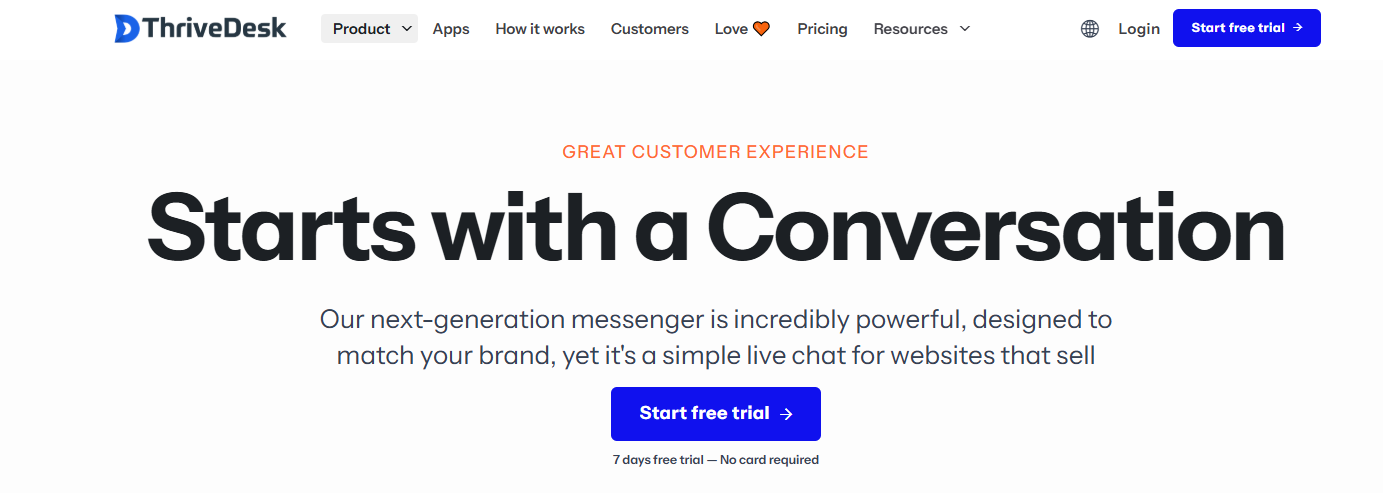
ThriveDesk takes a slightly different approach by pairing its live chat widget with a complete helpdesk underneath. Rather than treating chat as a standalone tool, conversations flow directly into a shared inbox alongside email, so nothing gets lost once a chat ends.
The AI live chat widget can also be trained on a site’s own knowledge base to handle repetitive questions before a human needs to step in.
Notable Features
- AI live chat trained on your own content and past conversations
- Shared inbox combining chat, email, and other channels
- WooCommerce integration pulling order details into conversations
- Canned replies and private notes for team collaboration
- Unlimited agents with no per-seat pricing
For WordPress and WooCommerce stores that want chat connected to a broader support workflow, ThriveDesk is worth a look.
3. Tidio – Automation Meets Live Chat
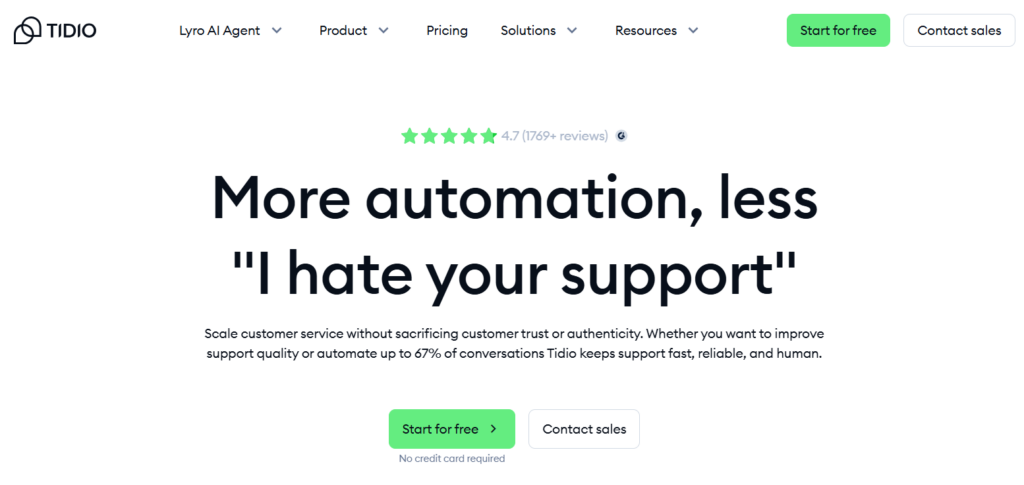
Tidio has gained popularity among WordPress users largely because of its automation capabilities. The plugin blends traditional live chat with AI-assisted responses designed to handle routine questions.
For businesses dealing with large volumes of similar inquiries—shipping timelines, account setup instructions, pricing clarification—automation can reduce response time significantly.
That said, automation works best when balanced with human interaction. Visitors generally recognize scripted responses quickly.
Notable Features
- Automated chatbot workflows
- Real-time visitor messaging
- Messenger and Instagram integration
- Pre-built automation templates
- Mobile applications for support teams
Tidio often appears on ecommerce sites where quick responses can influence purchase decisions.
4. LiveChat – Established Customer Support Software
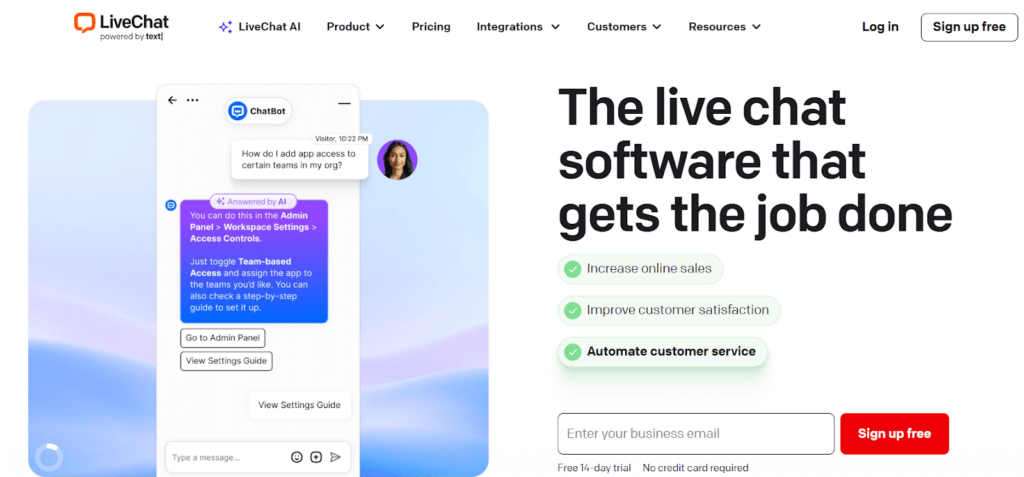
LiveChat has existed in the customer support space for quite some time. Its reputation stems largely from reliability and a well-developed analytics environment.
Businesses operating larger support teams may appreciate the level of detail available in reporting dashboards. Agent performance metrics, visitor behavior data, and conversation histories can all be examined in depth.
Key Capabilities
- Real-time visitor monitoring
- Detailed analytics dashboards
- CRM and marketing integrations
- Agent routing systems
- Customizable chat interfaces
For organizations managing significant support volumes, such tools can help maintain consistency across teams.
5. HubSpot Live Chat – Integrated CRM Communication
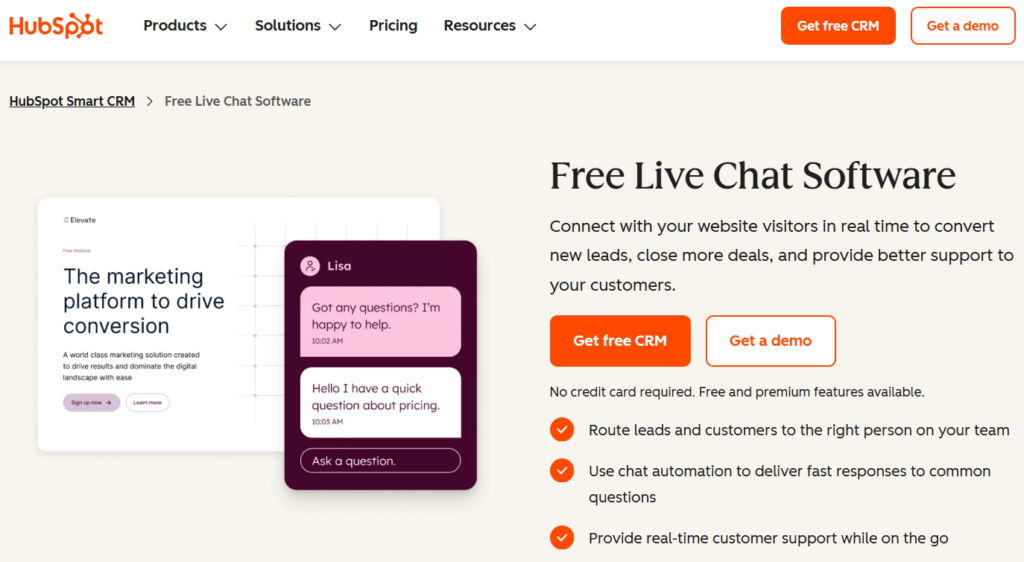
HubSpot approaches live chat from a different angle. Rather than focusing solely on messaging, it connects chat conversations directly to its broader CRM ecosystem.
For companies already using HubSpot’s marketing or sales tools, this integration can simplify lead management. Conversations automatically attach to contact profiles, providing context for future interactions.
Features
- Free chat widget
- Native CRM integration
- Chatbot automation
- Lead capture forms
- Marketing workflow connections
The value here largely depends on whether a business already operates within the HubSpot environment.
6. JivoChat – Multi-Channel Messaging
JivoChat attempts to unify communication channels that are often scattered across different platforms.
Instead of switching between chat windows, social media messages, and email inquiries, support teams can respond from a single dashboard.
This consolidation can be useful for businesses that interact with customers across multiple platforms.
Highlights
- Website live chat
- Social messaging integrations
- Phone and email support channels
- Mobile agent apps
- Visitor behavior tracking
For customer support teams juggling several communication streams, such centralization may reduce friction
7. Chaport – A Simple, Lightweight Option
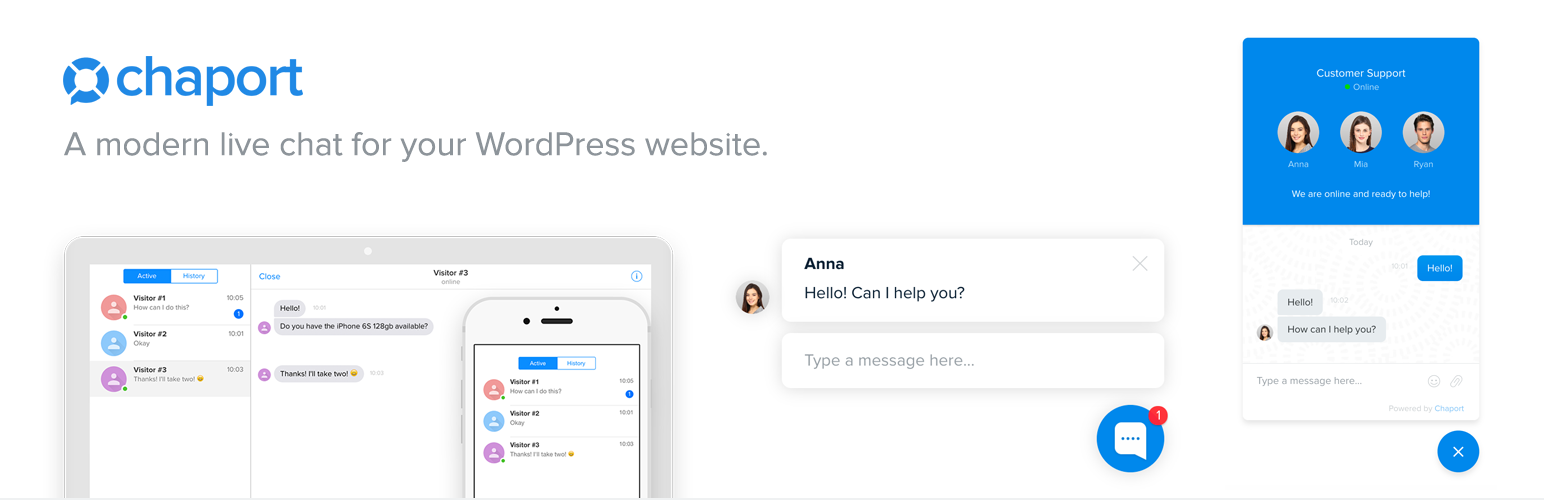
Chaport occupies a somewhat different position within the ecosystem. The plugin emphasizes simplicity rather than extensive feature sets.
Smaller teams often prefer tools that work immediately without long configuration processes. Chaport appears designed with that audience in mind.
Features
- Quick WordPress setup
- Chat automation tools
- Collaboration between support agents
- Mobile and desktop applications
- Customizable chat widgets
Startups or smaller service websites may find this level of functionality entirely sufficient.
Choosing the Right Plugin
Selecting a live chat plugin rarely comes down to a single “best” option. Context matters.
A SaaS platform managing thousands of users will have different needs than a small local business responding to occasional inquiries.
Some general patterns, however, appear worth noting.
Sites seeking a unified communication system—chat, discussions, and support tracking—may find ZenCommunity particularly appealing.
Businesses interested in automation often gravitate toward Tidio.
Organizations running structured support departments sometimes prefer LiveChat’s reporting capabilities.
Companies already using HubSpot’s CRM may naturally lean toward its integrated chat tool.
Those handling conversations across several platforms might appreciate JivoChat.
And for smaller teams that simply need a reliable chat window, Chaport remains a practical choice.
Final Thoughts
Live chat has gradually shifted from novelty to expectation. Visitors now assume that if a question arises, someone will be available to answer it quickly.
For businesses, the challenge lies not merely in adding a chat widget but in choosing a communication system that fits their workflow.
Some tools prioritize automation. Others emphasize analytics or integration with broader marketing platforms. A few—ZenCommunity among them—attempt to rethink the structure entirely by combining community interaction, live messaging, and formal support processes.
Which approach proves most effective may depend largely on the nature of the website and the behavior of its users.
What seems increasingly clear, though, is that communication itself has become part of the product experience. Websites that respond quickly, thoughtfully, and consistently tend to build stronger relationships with their users.
And in a digital environment where attention is fleeting, that relationship may matter more than ever.